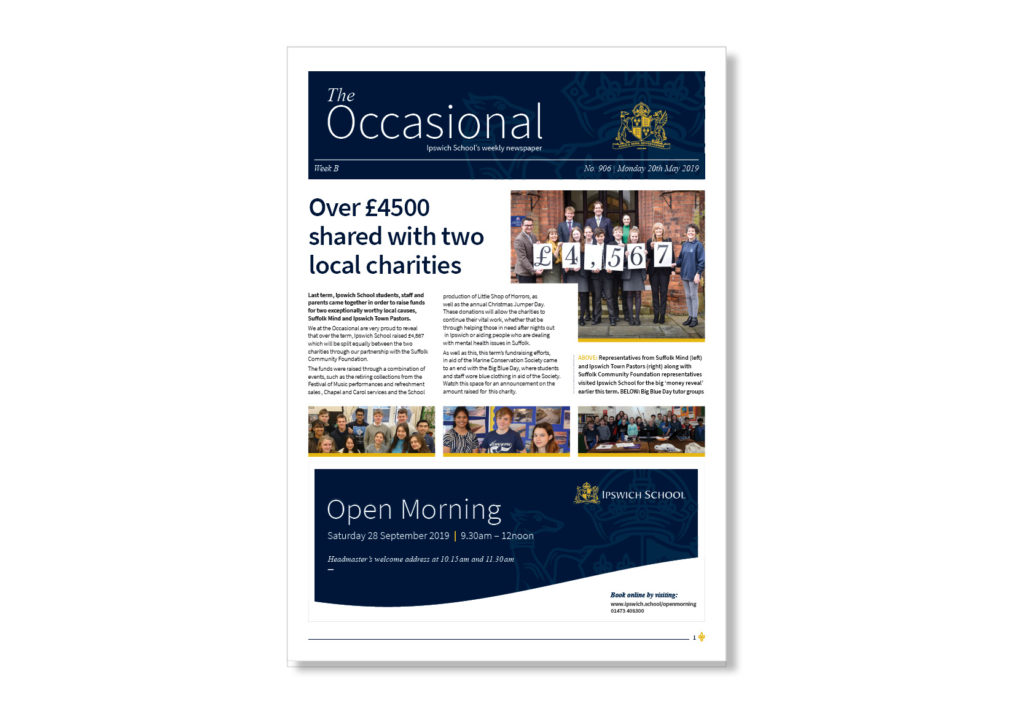
BASIC TEMPLATE PRINCIPLES
Paragraph and Character Styles
All print templates have been set up with basic character and paragraph styles. These styles should be adhered when possible. Depending on the amount of content that is required, new styles may be required to be added to the templates. When doing this, please use the existing styles as a guide and been mindful of the hierarchy that has been set.
Grids and Margins
These templates have also been set up with document grid structures and clear margin areas. Content must remain comfortably within the parameters of the template to ensure consistency and to prevent printing errors.
Colours
Additional colours can be added to the templates when necessary, but the primary Ipswich School swatches should remain as the core colours.
Typography
Before opening any templates, please ensure that the Ipswich School brand typeface(SourceSans Pro) has been uploaded onto your computer. For further guidance on typography and to download the Source Sans Pro typeface, please navigate to the Typography area of BrandBag.
Logo Usage
The location and placement of the Ipswich School logos depends on the type of template and the logo variation being used. The logo area has been defined in each template, where possible the logo should remain in this defined area. For further guidance of logo usage, navigate to the Logo area of BrandBag.
Printing
When printing any brand collateral it is highly recommended that a digital proof is requested from your supplier. This gives a final opportunity to review and approve the artwork before moving forward with the final print.
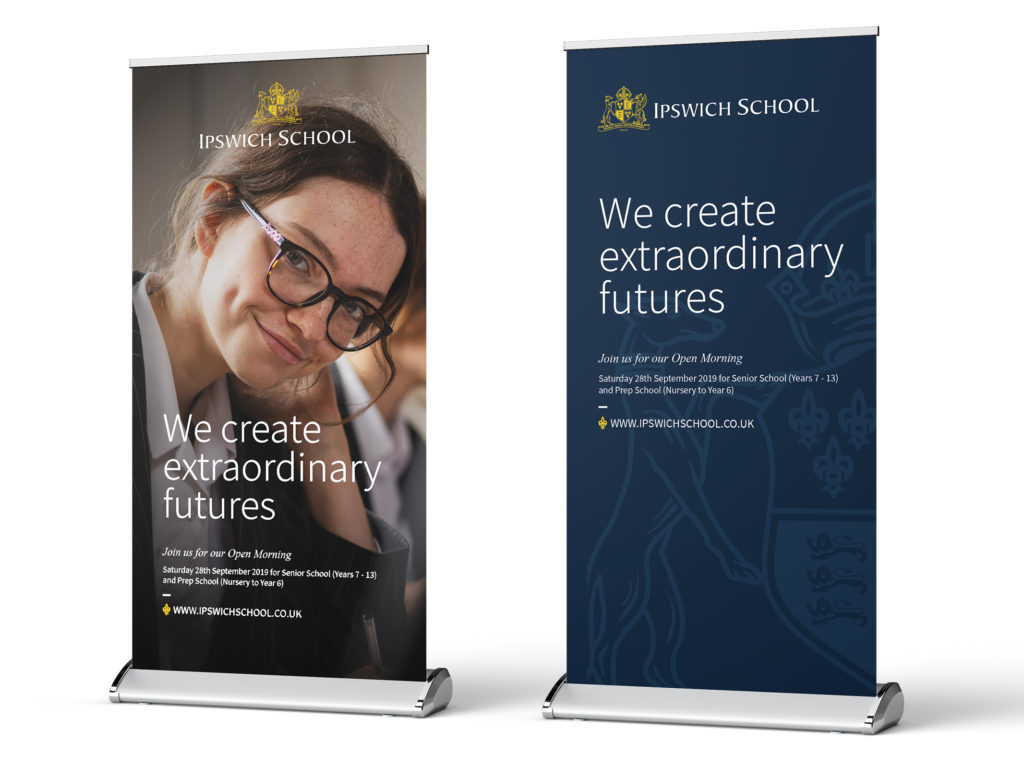
Pop up banners
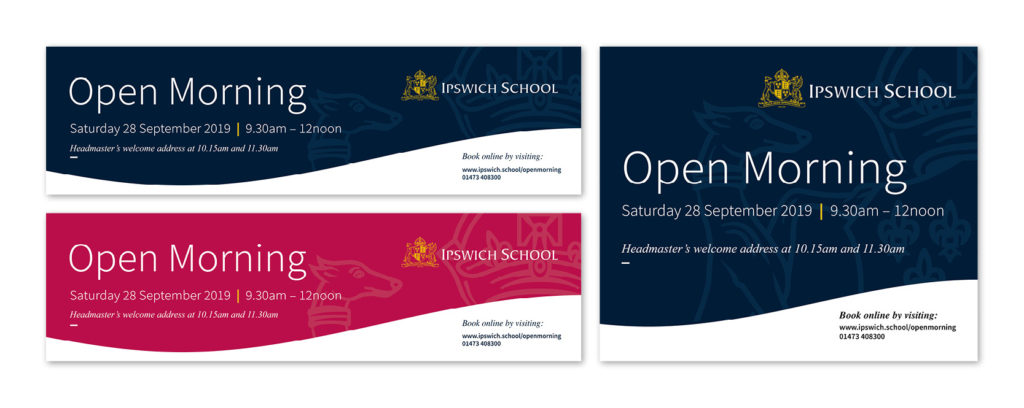
Large scale display banners
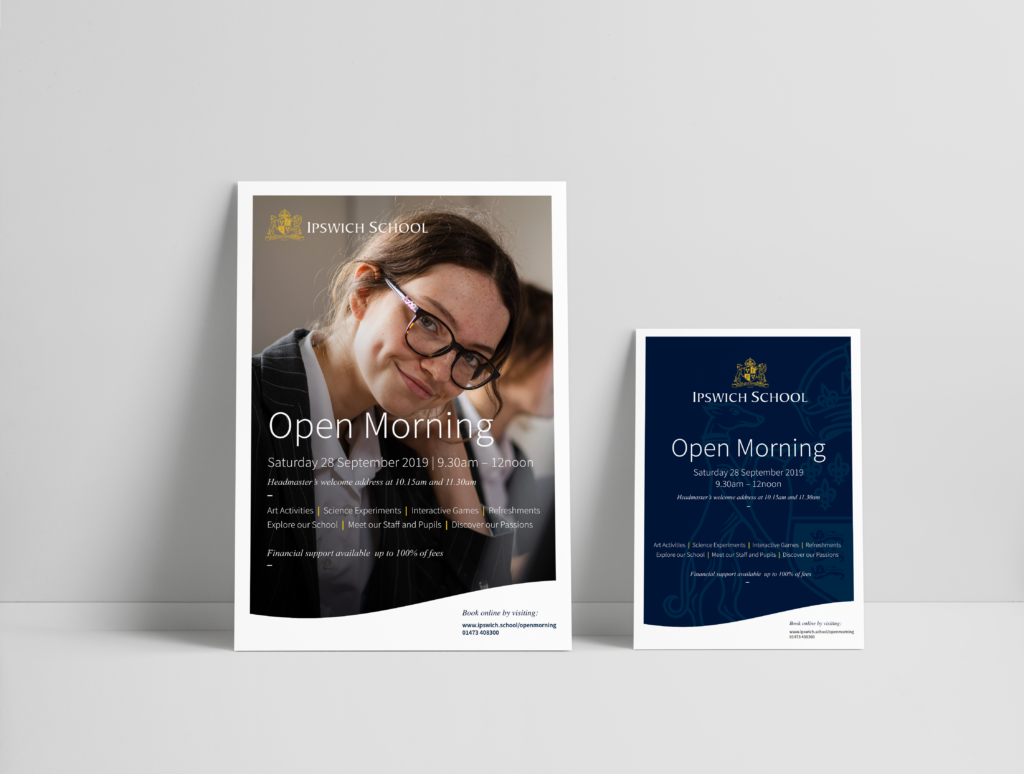
Posters and Leaflets
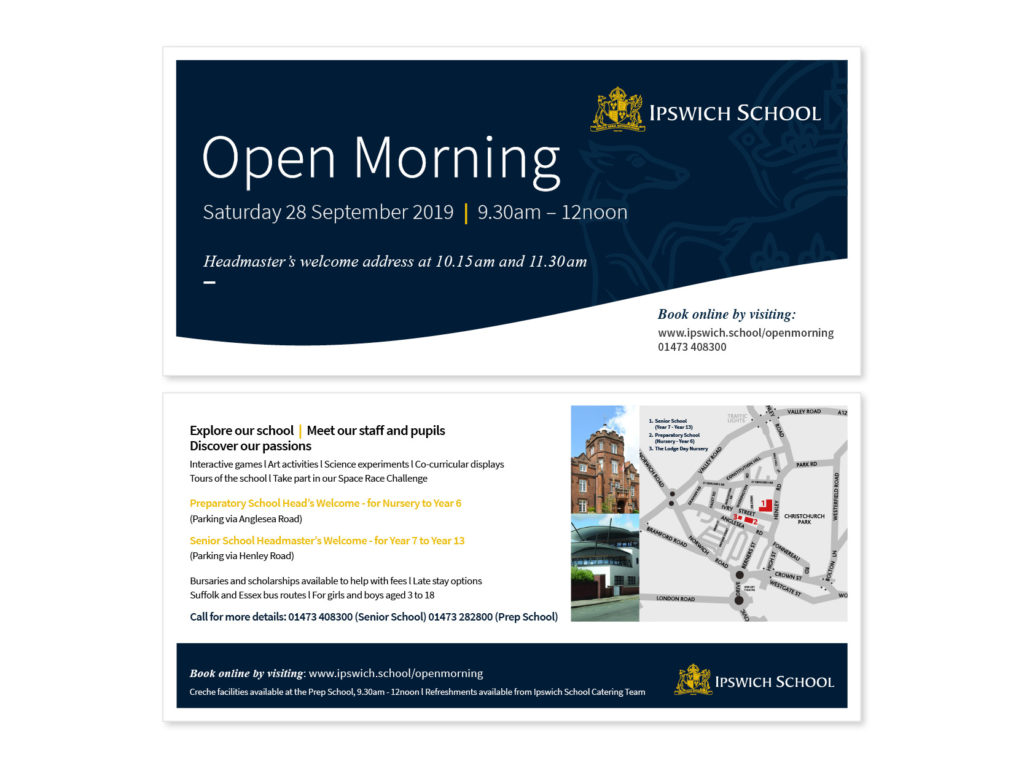
DL Leaflet
The Occasional